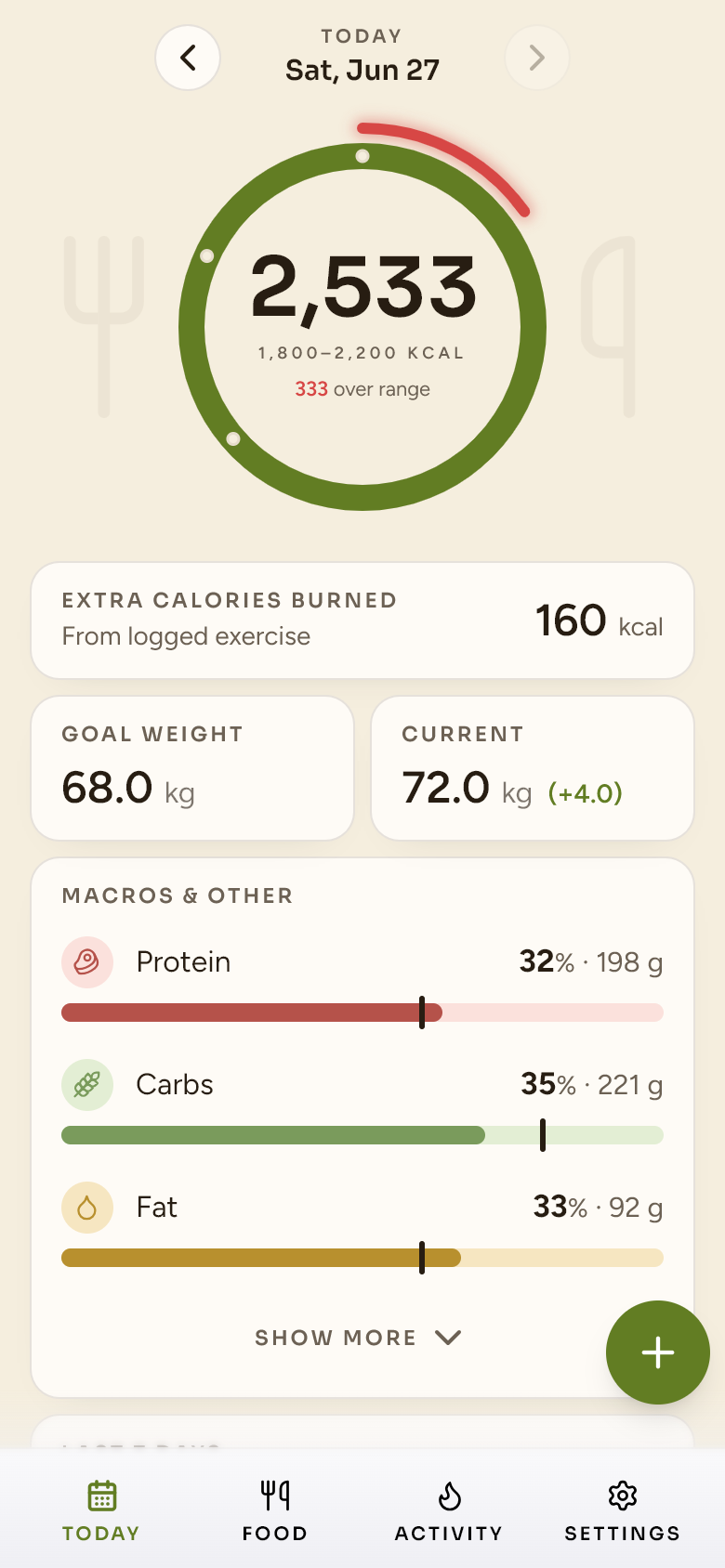
What it does
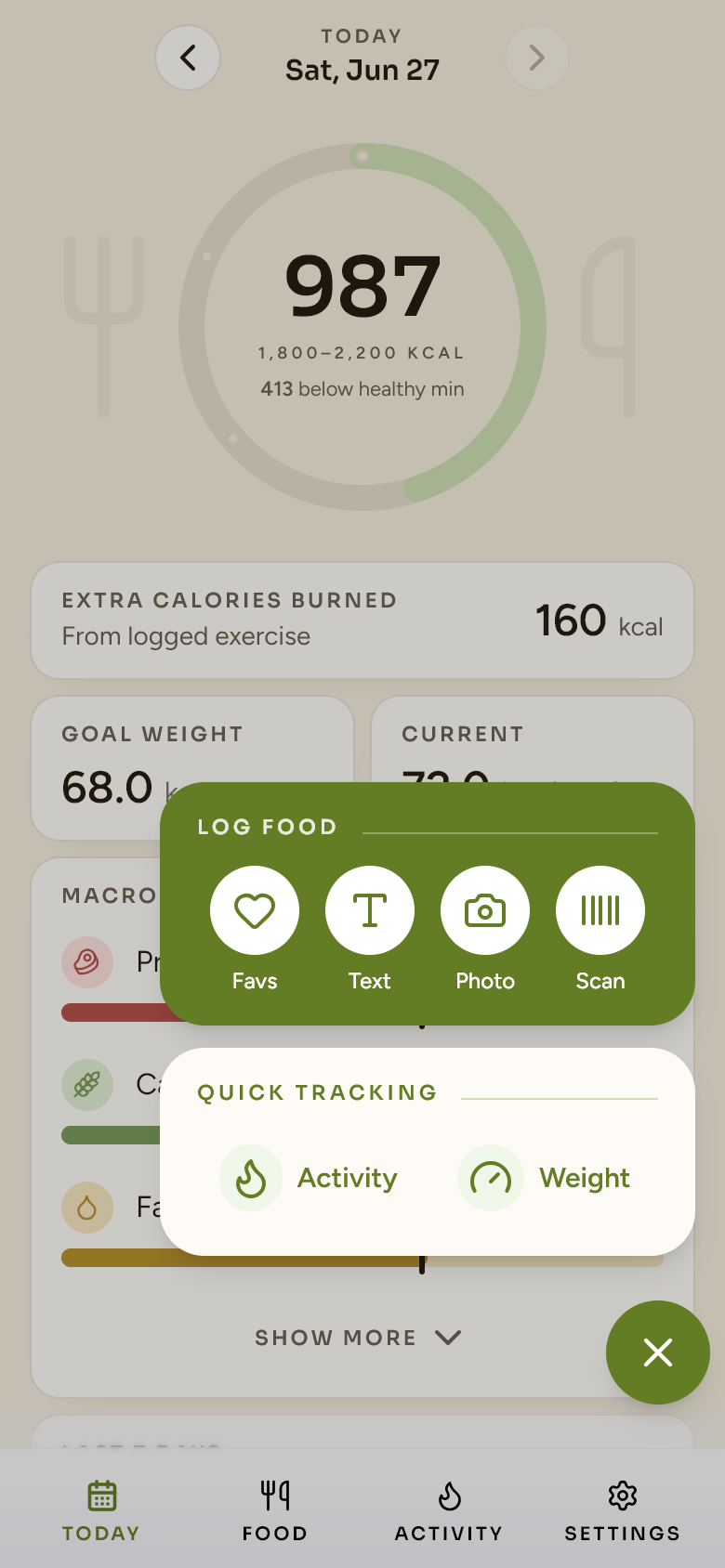
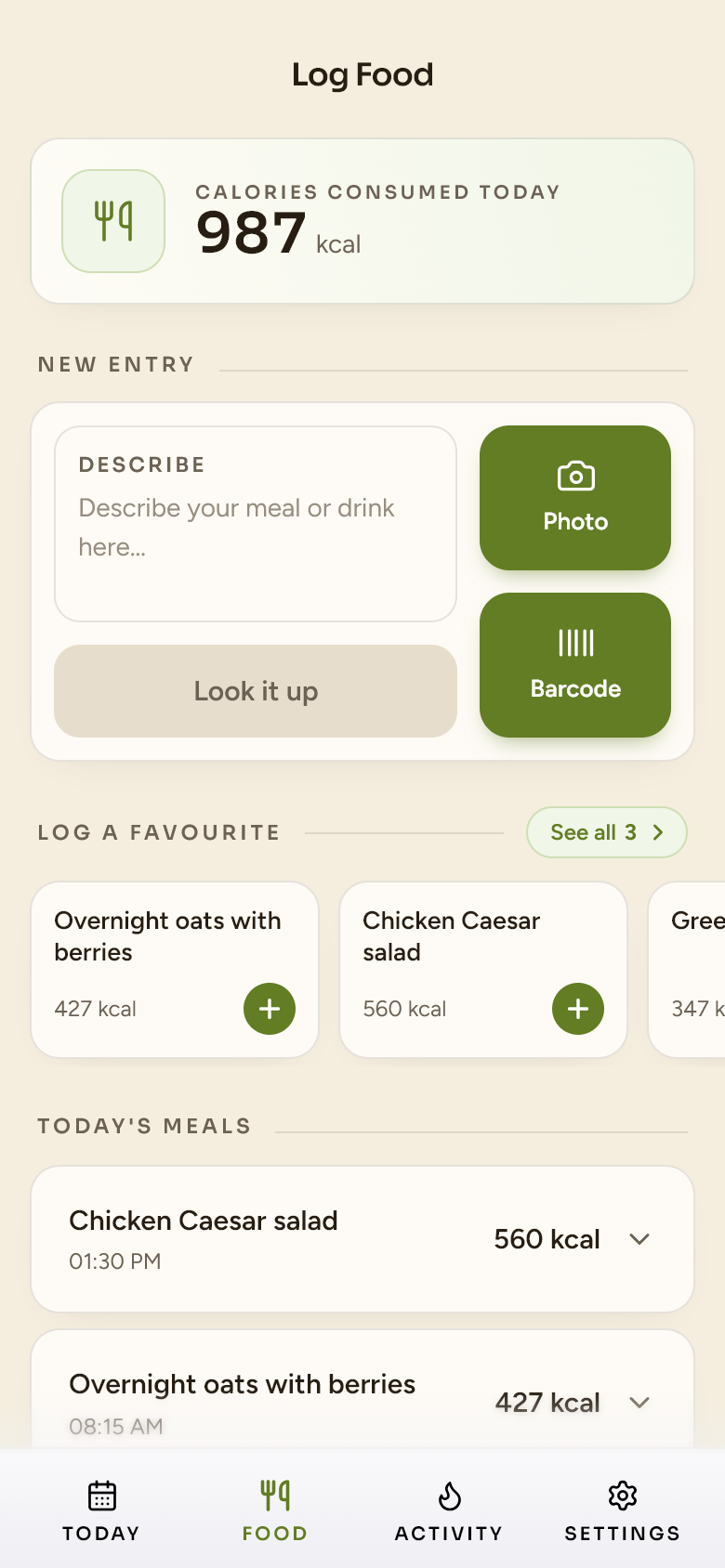
Most trackers create just enough friction that people quit. I wanted to kill that friction. Logging a meal is a tap or two — a saved favourite, or describe it, photograph it, or scan a barcode; for those three, the AI does the reading. You confirm real numbers before anything is saved.
Four ways to log
The fastest is one tap from a saved favourite — no AI needed. Otherwise describe a meal, photograph it, or scan a barcode, and the AI reads the ingredients and amounts (correct it in plain language).
Nutrition you can trust
Each ingredient resolves against an approved food database first; an AI estimate only fills the gaps. You see every value before it's saved, and can edit any of them.
Intake, plus extra burn
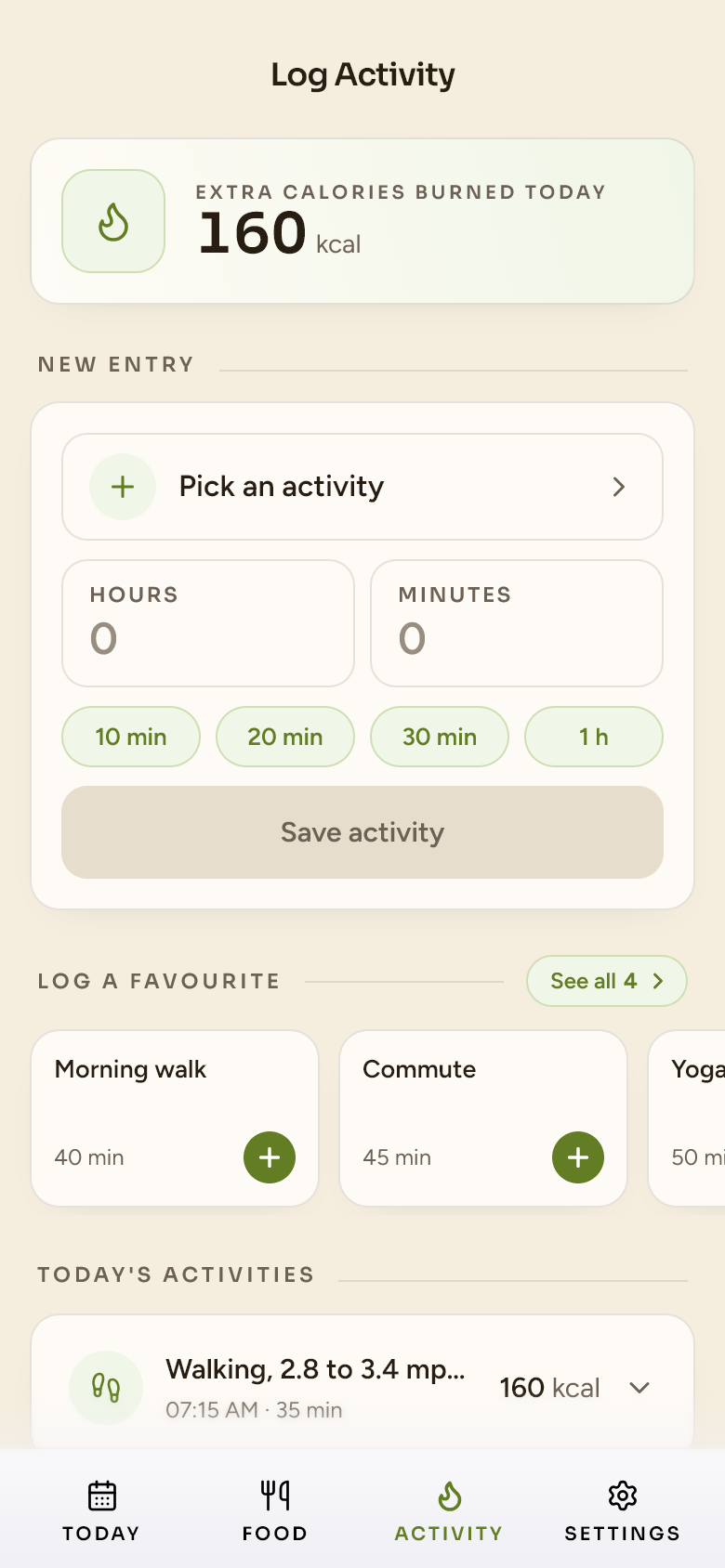
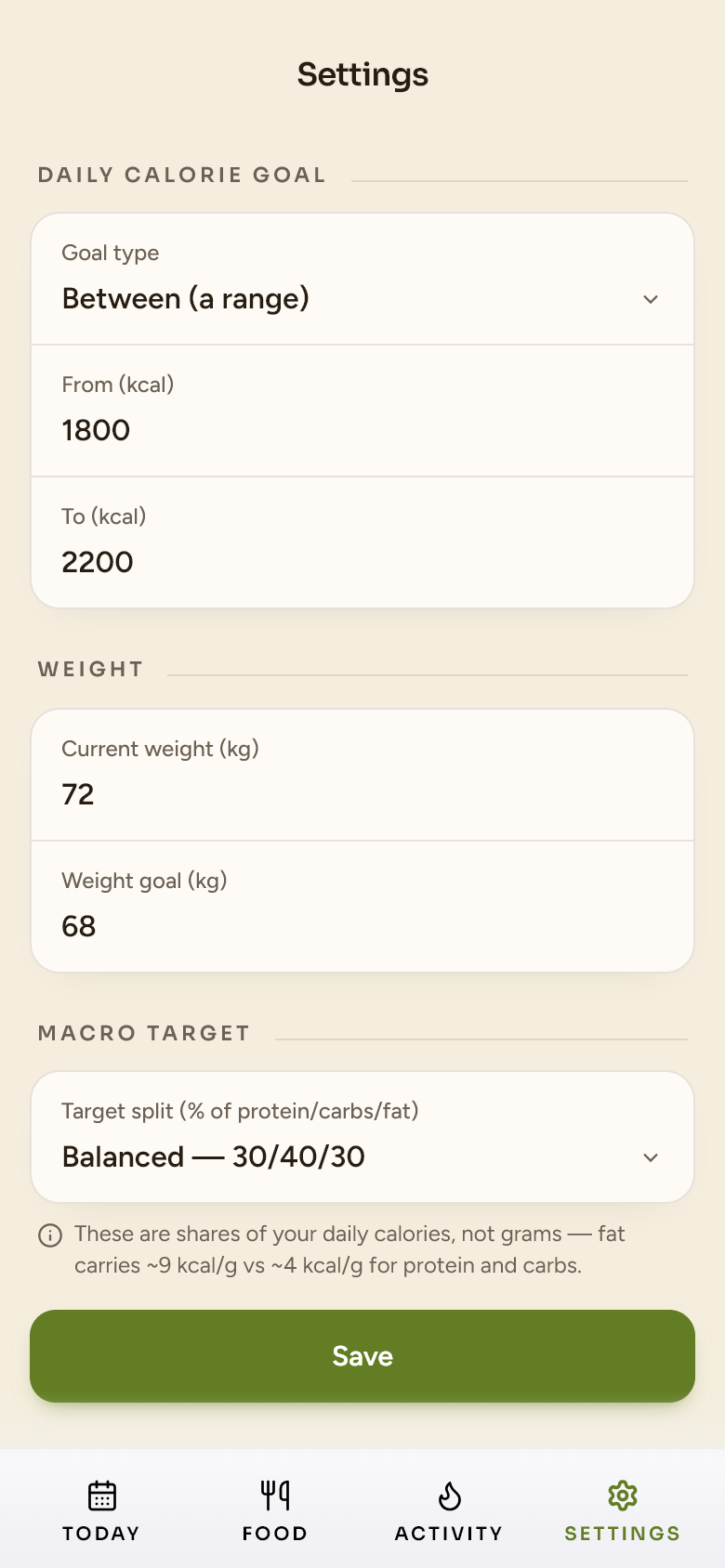
Intake tracked against a goal you set — a max, a min, or a range — on one calorie ring; plus a light log for the extra you burn (exercise, MET-based). It's intake first, not a net balance.
Macros as calorie-share
Protein, carbs and fat shown as a share of the day's calories, with presets (balanced, high-protein, low-carb, keto) — the way macro targets actually think.
One-tap favourites
Heart a meal or an activity and re-log it from a carousel — the meals and workouts you repeat take a single tap.
Try it with no account
A demo mode seeds a week of meals and activity, so anyone can explore the whole app before signing in.
How it's built
It's a React single-page app (Vite, TypeScript, Tailwind) I built mostly in Claude Code, with Figma and Lovable for parts of the design. The backend is Supabase — Postgres, authentication and Edge Functions. A single Edge Function is the only thing that talks to Google's Gemini model: it takes a meal photo or description and returns structured ingredients and amounts. The frontend never touches the AI vendor directly.
Nutrition is resolved against a bundled, offline food-composition database (the French CIQUAL and UK CoFID tables, ~5,150 foods merged) and OpenFoodFacts for barcodes — with an AI estimate only as the last resort. It's mobile-first by design, and ships continuously to Render on every push.
How it looks
Health apps tend to feel either clinical or gamified. I took it the other way — warm and calm, so it encourages rather than nags. A warm olive accent leads on a paper-like base; protein, carbs and fat each keep a fixed colour so the day reads at a glance; the numbers are big and quiet. It's built from iOS-native components, so it feels like an app on your phone, not a website in a browser.
 Healthy Habits Hub
Sand Olive · v1
Warm & paper-like — a single olive accent. Sora for numerals, Figtree for UI.
Healthy Habits Hub
Sand Olive · v1
Warm & paper-like — a single olive accent. Sora for numerals, Figtree for UI.
How I direct the AI
The AI executes; the calls stay mine. I shape the layout — often a quick Figma sketch — catch the usability logic the model misses, do the manual QA, guide the visual style, and verify the data behind every number on screen. Directed and understood, not generated and trusted.
Decisions I made
- Approved data first; AI only as a fallbackNutrition resolves against a vetted database before the model ever estimates. AI is fast and confident — but for numbers people act on, provenance matters more than speed.
- You see the real values before anything savesEvery meal lands on a confirm screen with editable per-100 g values and amounts. Nothing is logged on faith, and changing the total rescales the rest.
- No silent failuresIf a lookup fails, the app says so — no dummy data quietly stands in for a real answer. A rule I hold across everything I build.
- Mobile-only, on purposeIt's a phone app. On desktop it sits inside a phone frame rather than stretching into a layout it was never designed for.
- The photo never outlives the momentA meal photo lives in memory just long enough for the model to read it, then it's discarded — never stored.
A functional V1 in about a week
In daily use — by me and a small, invite-only circle of family and friends.
The smart build — an AI feature designed into a product, not bolted on.